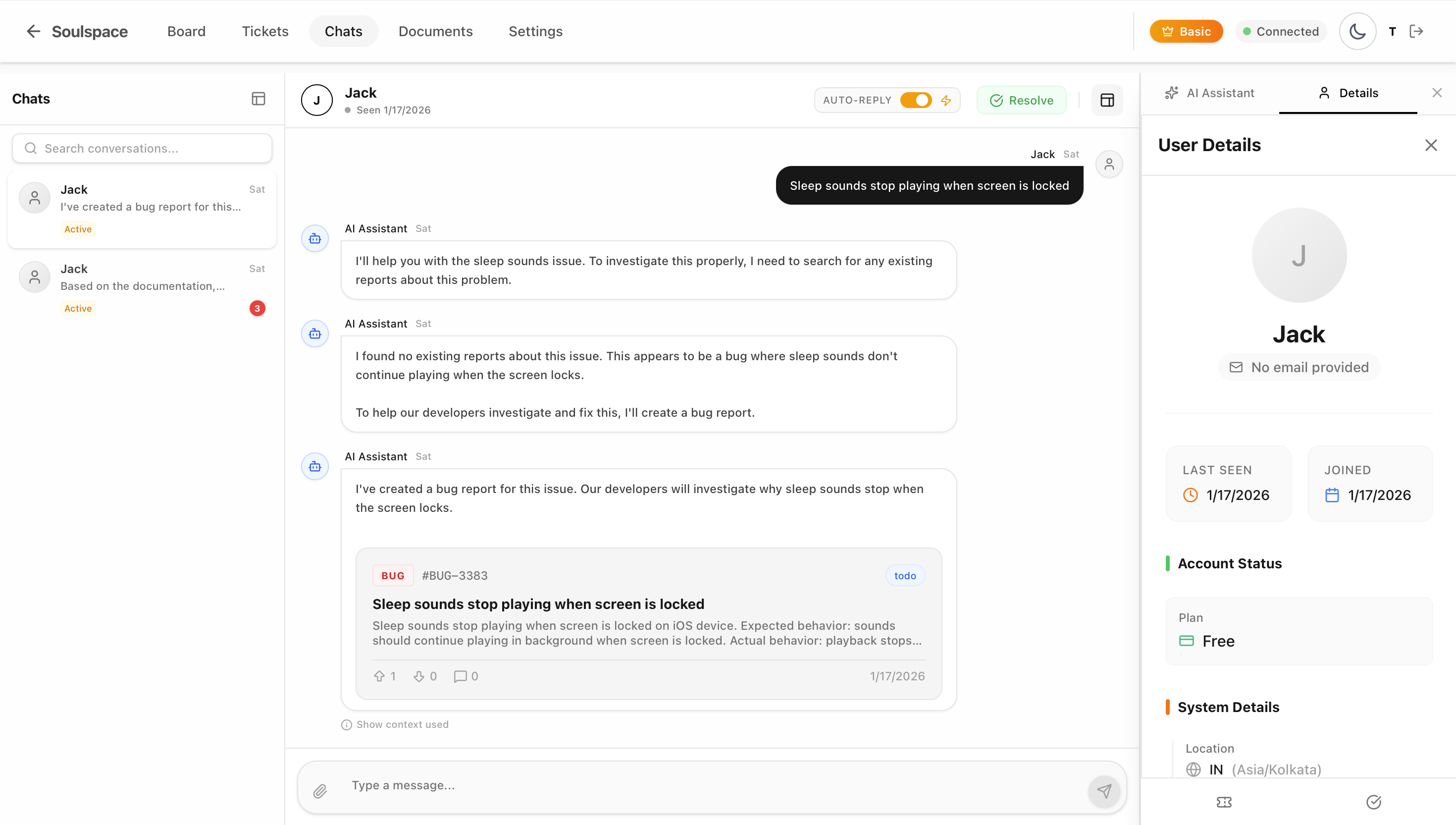
How to Integrate a Live Support Chat SDK in Flutter: Step-by-Step Guide
Adding live support to your Flutter app is one of the best ways to improve user retention and solve issues quickly. Building a chat system from scratch can take months, but with Feeddo, you can drop a fully functional AI-powered support widget into your app in just a few minutes.
In this guide, we’ll walk through how to integrate the Feeddo SDK into your Flutter application.
Prerequisites
Before we start, make sure you have:
- A Flutter project set up.
- An API Key from Feeddo.dev (it’s free to get started).
Step 1: Install the SDK
Add feeddo_flutter to your pubspec.yaml file.
dependencies:
  feeddo_flutter: ^0.1.2
Run flutter pub get to install the package.
Step 2: iOS Configuration
If you are targeting iOS, you need to set the minimum deployment target to iOS 15.0.
- Open
ios/Runner.xcworkspacein Xcode. - Select the Runner project.
- In the General tab, under Deployment Info, set Minimum Deployments to 15.0.
- Update your
ios/Podfileto match:
platform :ios, '15.0'Step 3: Initialize Feeddo
Initialize the SDK in your app’s main startup logic (e.g., in main.dart or your home screen’s initState). This connects your app to the Feeddo backend.
import 'package:feeddo_flutter/feeddo_flutter.dart';

// ... inside your init logic
await Feeddo.init(
  apiKey: 'YOUR_API_KEY_HERE',
  context: context,
  // Optional: Identify your user
  externalUserId: 'user_123',
  email: '[email protected]',
  userName: 'John Doe',
);
Step 4: Add the “Get Help” Button
Now, you just need a way for users to open the chat. You can add a button anywhere in your UI that calls Feeddo.show().
ElevatedButton(
  onPressed: () {
    Feeddo.show(context);
  },
  child: Text('Chat with Support'),
)
Step 5: (Optional) Feature Requests & Community Board
Feeddo also includes a built-in feedback board where users can suggest features and report bugs publicly. To show this screen instead of the chat home:
ElevatedButton(
  onPressed: () {
    Feeddo.showCommunityBoard(context);
  },
  child: Text('Vote on Features'),
)
That’s It!
You now have a complete support system with:
- AI Agent: Answers questions instantly based on your docs.
- Live Chat: You can reply to users from the Feeddo dashboard.
- Ticket System: Issues are tracked automatically.
For more advanced configuration like Push Notifications and Custom Themes, check out our Documentation.